
A 2000 Column on LINK ROT the Link to Which ROTTED

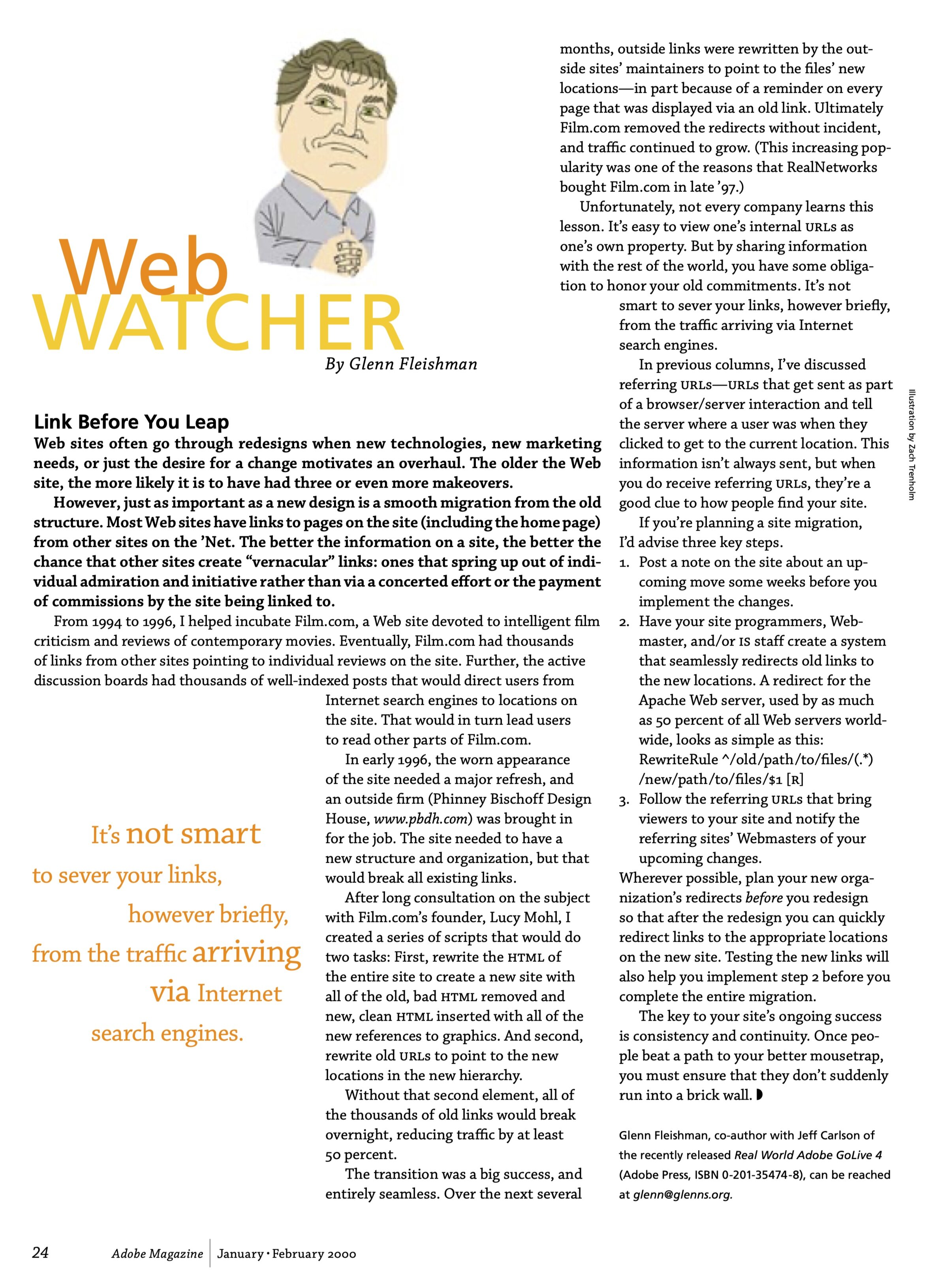
In an accidentally ironic self-reference, the first column I wrote about link rot—links that disappear or sites that are rebuilt and don’t preserve existing links—rotted not long after it was published in 2000. Fortunately, I snagged a PDF from an archived site at some point.
Here’s the original article’s text:
Link Before You Leap
Web sites often go through redesigns when new technologies, new marketing needs, or just the desire for a change motivates an overhaul. The older the Web site, the more likely it is to have had three or even more makeovers.
However, just as important as a new design is a smooth migration from the old structure. Most Web sites have links to pages on the site (including the home page) from other sites on the 'Net. The better the information on a site, the better the chance that other sites create "vernacular" links: ones that spring up out of individual admiration and initiative rather than via a concerted effort or the payment of commissions by the site being linked to.
From 1994 to 1996, I helped incubate Film.com, a Web site devoted to intelligent film criticism and reviews of contemporary movies. Eventually, Film.com had thousands of links from other sites pointing to individual reviews on the site. Further, the active discussion boards had thousands of well-indexed posts that would direct users from Internet search engines to locations on the site. That would in turn lead users to read other parts of Film.com.
In early 1996, the worn appearance of the site needed a major refresh, and an outside firm (Phinney Bischoff Design House, www.pbdh.com) was brought in for the job. The site needed to have a new structure and organization, but that would break all existing links.
After long consultation on the subject with Film.com's founder, Lucy Mohl, I created a series of scripts that would do two tasks: First, rewrite the HTML of the entire site to create a new site with all of the old, bad HTML removed and new, clean HTML inserted with all of the new references to graphics. And second, rewrite old URLs to point to the new locations in the new hierarchy.
Without that second element, all of the thousands of old links would break overnight, reducing traffic by at least 50 percent.
The transition was a big success and entirely seamless. Over the next several months, outside links were rewritten by the outside sites’ maintainers to point to the files’ new locations—in part because of a reminder on every page that was displayed via an old link. Ultimately, Film.com removed the redirects without incident, and traffic continued to grow. (This increasing popularity was one of the reasons that RealNetworks bought Film.com in late ’97.)
Unfortunately, not every company learns this lesson. It's easy to view one's internal URLs as one's own property. But by sharing information with the rest of the world, you have some obligation to honor your old commitments. It's not smart to sever your links, however briefly, from the traffic arriving via Internet search engines.
In previous columns, I've discussed referring URLS—URLs that get sent as part of a browser/server interaction and tell In previous columns, I've discussed referring URLS—URLs that get sent as part of a browser/server interaction and tell the server where a user was when they clicked to get to the current location. This information isn't always sent, but when you do receive referring URLs, they're a good clue to how people find your site. If you're planning a site migration, I'd advise three key steps.
Post a note on the site about an upcoming move, some weeks before you implement the changes.
Have your site programmers, Webmaster, and/or IS staff create a system that seamlessly redirects old links to the new locations. A redirect for the Apache Web server, used by as much as 50 percent of all Web servers worldwide, looks as simple as this:
RewriteRule ^/old/path/to/files/(.*) /new/path/to/files/$1 [R]Follow the referring URLs that bring viewers to your site and notify the referring sites' Webmasters of your upcoming changes.
Wherever possible, plan your new organization's redirects before you redesign so that after the redesign, you can quickly redirect links to the appropriate locations on the new site. Testing the new links will also help you implement step 2 before you complete the entire migration.
The key to your site's ongoing success is consistency and continuity. Once people beat a path to your better mousetrap, you must ensure that they don't suddenly run into a brick wall.
Glenn Fleishman, co-author with Jeff Carlson of the recently released Real World Adobe GoLive 4 (Adobe Press, ISBN 0-201-35474-8), can be reached at glenn@glenns.org.