Glog

Telecommunications

Books

New Book: Take Control of FaceTime and Messages
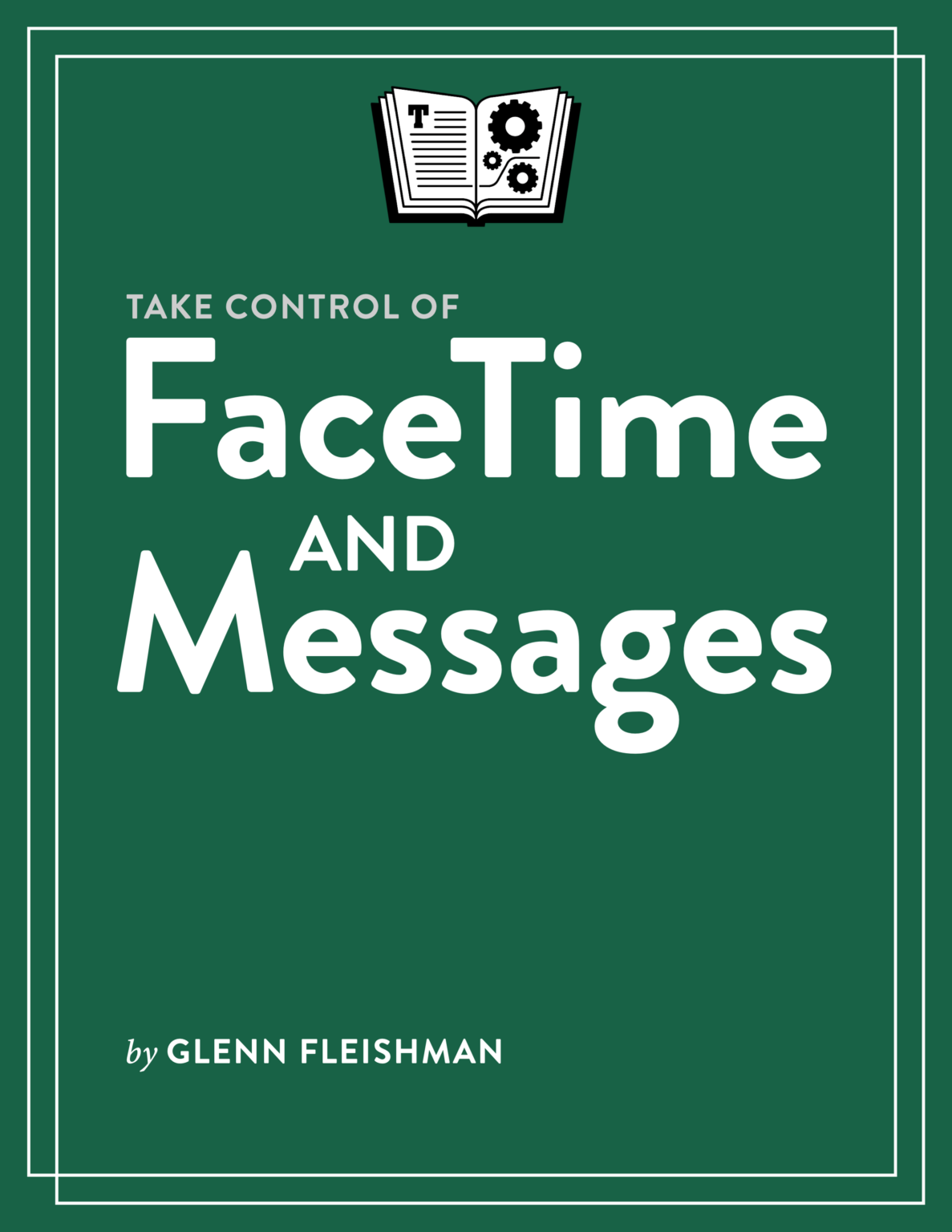
My latest Take Control book is out! This one’s a doozy: I cover FaceTime, Messages, and Phone across iOS, iPadOS, macOS, and watchOS in Take Control of FaceTime and Messages. I learned so many new tricks and hidden features in writing this book, I can’t even begin to describe them all. (That, I guess, is what a book is for). While the book covers all the major features and how to use them best, you’ll also learn a bunch of nuggets:

  • Both FaceTime and Messages support screen sharing, but in different ways with different sets of features. I explain both, and why to choose one over the other.
  • iPhones and iPads (on supported models) can simulate direct eye contact in FaceTime—even when you’re not looking at the camera.
  • Include friends and colleagues on Android and Windows in your FaceTime calls.
  • Point your iPhone at a

Personal

Twenty Years of Glenn-Fi

In October 2000, Apple offered to loan me some of their still-new AirPort wireless networking gear that used a year-or-so old new technology called IEEE 80211.b, also known by its trade name, Wi-Fi (from the Wireless Ethernet Compatibility Alliance’s testing and trademark group). I almost passed them up.

I’d used so-called “wireless networking” before in the form of infrared, and I had read accounts of the fussiness and low data rates of early plain 802.11 (no b) equipment. Wired 10Base-T (phone jack style) and 10Base-2 (coax) offered an incredible 10 megabits per second (Mbps). A couple Mbps seemed paltry. I’d also played with Ricochet, a wide-area networking service that had been deployed around the Seattle area by Metricom. It seemed more likely. Apple was still on the brink of failure, too, after disastrous management decisions across the 1990s.

But I said yes, they sent me

Books

Three Major Ebook Updates

I’ve been a very busy bee, writing two new books and updating five more just since early August. The latest three are out today from Take Control Books, a trio that relate to the iOS 14/iPadOS 14 update several days ago and the upcoming macOS 11 Big Sur release that Apple hasn’t yet scheduled.

Upgrades are available to all buyers of any previous edition. If you’re a new purchaser, you can add all three to your shopping card and get 30% off—Take Control’s standard discount for 3 or more books!

Take Control of iOS & iPadOS Privacy and Security (254 pages, $14.99). I’ve been revising and expanding this book across a decade now (and across six names!). For the last five editions, I published it myself, and now it’s back at the Take Control mothership.

The book covers all the ins

Telecommunications

A New, Free Book on Zoom, and an Update to My Long Zoom Book

The Take Control folks and I keep trying to find ways to help people who have had to shift abruptly from working in an office to working at home—sometimes in jobs that never allowed or enabled remote work before. Zoom has been a big part of that, because of its robust free tier (up to 100 people in 40-minute sessions) compared to other offerings in early 2020, like Microsoft Teams, Google Meet, Cisco WebEx, and Bluejeans (now part of Verizon).

Earlier this year, as the pandemic first raged, Take Control released my free Take Control of Working from Home Temporarily ebook. A brisk 70 pages, it was designed for people thrust into home work getting their spaces set up, established boundaries, and learning to handle remote work. That‘s still available—at no cost, forever—and I hope eventually to have a more in-depth, separate paid title focused more

Technology

Pre-Purchase Gogo Inflight Wi-Fi Service To Save the Big $$$

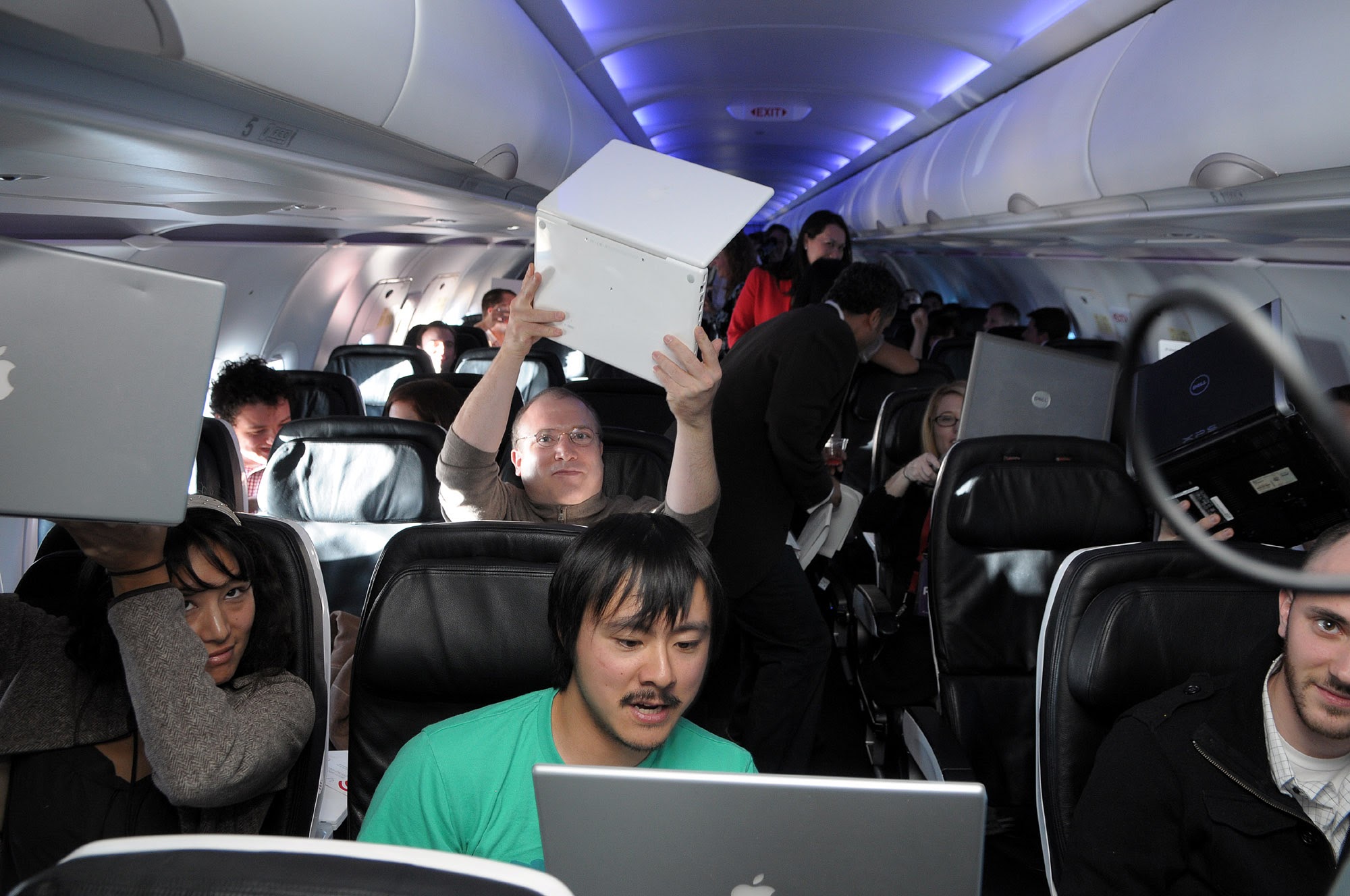
 Me holding up a laptop on the inaugural Wi-Fi flight of Gogo service on Virgin America. That's Brian Lam and Ryan Block in the row ahead of me.
Me holding up a laptop on the inaugural Wi-Fi flight of Gogo service on Virgin America. That's Brian Lam and Ryan Block in the row ahead of me.

I've been writing about inflight Wi-Fi since long before it was commercially available—for about 15 years! I was on the maiden voyage of the first domestically equipped plane using what's now known as Gogo's inflight solution, which relies on a cellular ground-based infrastructure using frequencies it won rights to at a federal auction. Internet service is now widely available from multiple providers in America who employ satellite instead of ground towers, and some airlines are even using service from different companies on different crafts and routes. (Outside of the US, service is more limited, but growing fast.)

The trouble right now is that too many people want to use Wi-Fi on a plane! It's a great, terrible problem that I wrote

Over the Air, PVR, with a Rube Goldberg on Top

Technology

Over the Air, PVR, with a Rube Goldberg on Top

I can watch live and recorded TV on my Apple TV! It's very simple.

I installed an Ethernet-connected TV tuner from SiliconDust called HDHomeRun. It's plugged into a digital TV antenna on our roof. Then I use Elgato's eyeTV software on a Mac on the network to schedule and record over-the-air (OTA) programming.

That Mac is downstairs; our TV is upstairs. When I want to watch TV, I just:

The bizarre thing is this whole sequence works.

Giant towers broadcast digital signals that we capture a time slice of and convert into another digital format which are stored on a drive and then streamed over a Wi-Fi network to a mobile device that pushes it over Wi-Fi to tiny box that's connected

Telecommunications

Comcasterrific: Bills, Plans, and Caps

A few months ago, I noticed that Comcast had raised its $5/month modem rental fee to $13/month. Normally, I don't rent hardware of any kind, but when I started with this one, it was at least a couple hundred dollars, and cheaper to rent. Plus, Comcast guaranteed it would work. So I called Comcast to find out what modems were compatible, bought one for $80 and had someone there activate it for me and remove the rental charge. My wife returned the modem for me and got a receipt.

And then the charge appeared the next month and the one after. Comcast doesn't do email-based support, and their phone tree is terrible. I am disconnected after choosing options more times than not. Maybe 90% of the time I call. So I complain on Twitter, where they're responsive. Someone apologized, took the charges off, and credited me $20. Fine.

My Revised Ebook on Setting up Apple's Wi-Fi Routers

Telecommunications

My Revised Ebook on Setting up Apple's Wi-Fi Routers

For a decade (!!), I've been writing and revising a book on using Apple's Wi-Fi routers. Long ago it was Take Control of Your 802.11b AirPort Network, and the current, fifth edition has the moniker Take Control of Your Apple Wi-Fi Network. This latest update (a bit late and all my fault for that) brings the title up to date for 802.11ac, the newest and fastest flavor of Wi-Fi, as well as OS X Mavericks, iOS 7, and Windows 8.1.

The book's designed for any home or small-business user who finds that the basic information Apple provides isn't enough. While I fully agree configuration has never been better for Apple's AirPort Extreme, AirPort Express, and Time Capsule base stations, if you want to configure network layouts or network details outside of quite standard arrangements, you might feel at sea. This book is designed to help.

I go through

Why I Still Need a Landline

Telecommunications

Why I Still Need a Landline

  Photo by the author.  
Photo by the author.

The landline seems atavistic in 2013. A conventional telephone line, called POTS (plain old telephone service) is low fidelity, inefficient, and expensive. Two wires, helically intertwined in a twisted pair, travel hundreds or thousands of feet to a neighborhood cross-connection point or, in older networks, a central office. We spend over $35 per month without voicemail and no long distance service as prices have jacked up because fewer people need a landline.

And why have a landline? Most people, even the working poor, have mobile phones, because of the flexibility they provide. Pay-as-you-go plans allow those with the least money to top up phones as needed; those with the funds often get unlimited voice/text plans, and carriers force smartphone users into those, too. With unlimited minutes, why would you ever want a phone line coming into your house? Lynn and I have an AT&

Telecommunications

Irony in the DC

I just switched from running my own server hardware for various operations (including this blog, isbn.nu, wifinetnews.com, and Books & Writers) to a Virtual Private Server (VPS), in which I have two virtual machines under my control but don't have to deal with the underlying hardware. It's been over eight years since I moved my servers into a co-location data center, and I've mostly run servers of my own since 1994.

The experience of moving was, well, moving. I had a great relationship with my co-lo, and enjoyed controlling every aspect of my fate and destiny. But with aging hardware and dropping costs for VPS hosting, it simply couldn't be financially justified any more. A recent experience with a meltdown on a Xserve with TidBITS (where I program and write) led me to believe virtual machine hosting was totally reasonable.

I've been working for several weeks to set

Telecommunications

LinkVar

LeVar Burton isn't just an actor whose face has been prominent on our television for about 25 of the last 30-odd years, he's also a blogger, twitterer, tech head, and (via his online personae) a charming guy who loves his fans. He also just quit smoking, and deserves kudos for going public with it to get additional positive reinforcement.LeVar's one problem? He's not the No. 1 Google match for LeVar. Here's some link love from me.

Telecommunications

Quest for Qwest

I decided to swap my household from Speakeasy Networks DSL service to Qwest. This is not a decision I took lightly. I've been a Speakeasy customer for about five years, and been generally happy with them. We hooked up a second line at home using Speakeasy VoIP service, which is configured so that no bits actually pass over the Internet, making for a high-quality line.

But, in the end, we were paying too much, partly due to the monopoly control situation that telcos have. Speakeasy was charging us $90 per month for 1.5 Mbps/384 Kbps plus unlimited voice (including tax). I'll get 3 Mbps/640 Kbps (and faster service as lines improve) for about $40 per month from Qwest. We never thought about killing our main Qwest line because we've had too many power outages: regular phone lines still work when there's no power (most of the time)