
The Latest Take Control Book Updates

Over this sultry summer, I updated eight Take Control books, including new editions of four of them. Starting with Take Control of Zoom, which I discussed in this blog a few months ago. I then spent months testing beta versions of Apple’s new iOS 16, iPadOS 16, and macOS 13 Ventura operating systems. (iOS 16 shipped last Monday; the rest are coming soon, but available in public betas.)
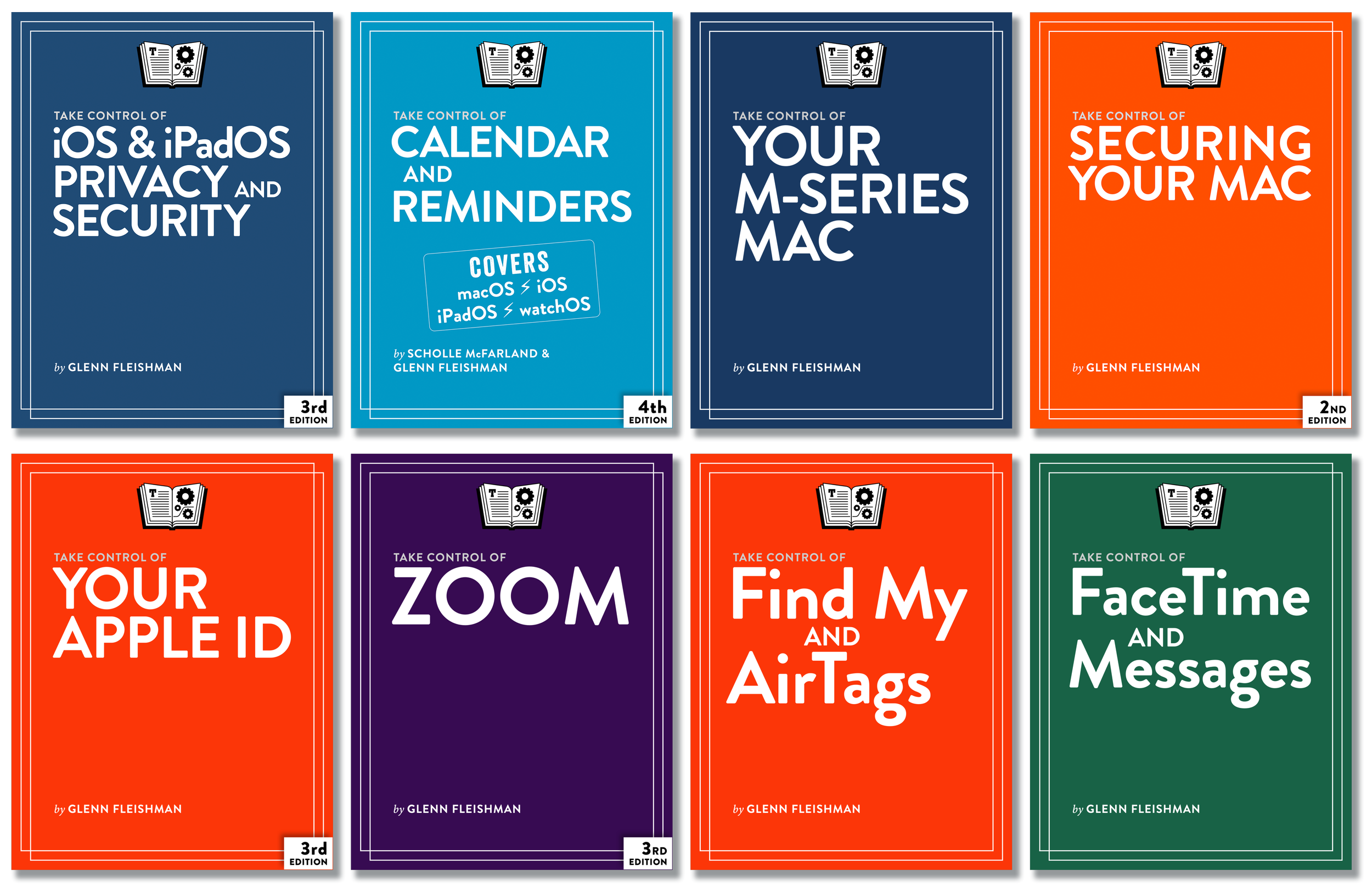
The seven other titles now ready for action are:
- Take Control of iOS & iPadOS Privacy and Security: With this new edition, learn about passkeys, Apple’s version of an industry-standard, simple-but-powerful secure website login credential; eSIMs, programmable cellular modules that let you change or supplement service without swapping a card; better tracking protection with Limit IP Address Tracking; Lockdown Mode, for protection against targeted attacks; Safety Check, to block misuse of data by people you know; and hundreds of other small changes.
- Take Control of Calendar & Reminders: Taking over Scholle McFarland’s mantle after three editions of the book, this comprehensive fourth edition is updated for iOS/iPadOS 15 & 16, macOS Monterey and Ventura, and watchOS 8 & 9. It will get you up to speed on all the ins and outs in those two apps (plus Phone!), including a couple dozen updates to the Reminders app made in the last two major operating system cycles.
- Take Control of Securing Your Mac: Become familiar in this new edition with the many changes to macOS introduced in Ventura, including passkeys, Lockdown Mode, iCloud Drive sharing (Apple quietly overhauled it), and USB device protection.
- Take Control of Your M-Series Mac, Your Apple ID, and Find My and AirTags: These three books have been refreshed to match features and changes with the release of new M-series Macs, new products that use Find My, and operating system updates.
- Take Control of FaceTime and Messages: I wrote this book just as the fall 2022 updates were announced; an upcoming revision brings it up to date with the full feature set, including editing and unsending iMessages in the Messages app, Continuity Camera updates that let you use your iPhone as a FaceTime camera for your Mac, and the Studio Light feature available via Continuity Camera. (If you purchase the book now, you’ll receive an update notification—all updates in each edition are free.)